eCommerce & Retail Integrations
Turbocharged
Scale in the fast lane with 40+ years
of proven reliability
A need for Speed? Accelerate your growth!
Fulfillment experts since 1982
Connect Your Systems With Speed Commerce
Request a Quote
Fields marked * are required.
Thank you for your interest in Speed Commerce.
For urgent needs, give us a call at 866-413-3402.
A fulfillment expert will get back to you within 1-2 business days.



eCommerce
Fulfillment
B2B
Fulfillment
Call Center
Services
eCommerce & Retail Integrations
Orders no longer come from one place the way they did before. A business can sell through its own website, marketplaces, retail partners, wholesale accounts, and a few other channels, all while running separate systems for inventory, shipping, accounting, and warehouse activity. Those systems should share the right information, so orders reach the warehouse and shipment updates find their way back.
eCommerce and retail integrations link sales channels and business systems to fulfillment. They carry order details, inventory quantities, shipment status, tracking numbers, and other records between the tools a business already has in place.
Connect Your Commerce Systems to Fulfillment
Without an integration, teams can end up moving orders, inventory counts, and shipment details from one system to another by hand. That adds extra steps and creates more room for duplicate orders, missing information, or inventory records that no longer match.
A connected setup sends what the warehouse needs straight from the systems where orders start. After an order ships, status and tracking details travel back to the store, marketplace, retailer, or order system.
Retail and Marketplace Connections Work Differently
A direct-to-consumer order usually takes a simple path from checkout to warehouse fulfillment. Retail orders come with extra requirements, such as EDI documents, retailer labels, advance shipment notices, carton rules, routing instructions, and appointment requirements.
Marketplaces set their own order and shipment rules too. A warehouse working with several channels has to keep those requirements attached to the right orders instead of handling all shipments the same way.
More Value. Better Service. No Speed Bumps Ahead.
Get StartedSystems That Connect to Fulfillment
Payment and Other Commerce Systems
Payment tools and other commerce systems can also be part of the wider order flow. The exact setup depends on which system owns the order record and which information has to reach fulfillment.
- Retailers and Marketplaces – Retail and marketplace connections pull orders from outside sales channels into fulfillment. Depending on the channel, an order can arrive with routing instructions, labeling rules, carton requirements, shipping deadlines, or other retailer-specific details.
- eCommerce Platforms and Shopping Carts – Storefronts and shopping carts pass customer orders, shipping details, SKUs, quantities, and other order information along to the warehouse. Platforms like Shopify, WooCommerce, BigCommerce, Magento, and similar systems regularly show up in this setup.
- ERP, Inventory, and Warehouse Systems – ERP, inventory management, and warehouse systems hold the records tied to products, stock, purchasing, receiving, and warehouse activity. Connecting them helps keep inventory records in step as goods arrive, move, and ship.
- Order Management Platforms – An order management system can sit between several sales channels and one or more fulfillment locations. It can decide where an order goes, track its status, and pass shipment information back to the systems that need it.
- Shipping and Carrier Software – Shipping software handles labels, carrier services, shipment processing, rates, and tracking. Connecting it to the warehouse and order systems keeps shipment details tied to the right order.
What Moves Between Your Systems and the Warehouse
An integration is useful only when the right information reaches the right system. Different setups move different records, but most fulfillment connections revolve around a core group of data.
| Data | Where It Comes From | What Happens in Fulfillment |
|---|---|---|
| Order details | Store, marketplace, retailer, or OMS | Order enters warehouse processing |
| SKU and product data | Store, ERP, inventory system, or PIM | Items are matched to warehouse records |
| Inventory quantities | WMS, ERP, or inventory system | Available stock is updated across connected channels |
| Order status | Warehouse or OMS | Connected systems receive processing updates |
| Shipment confirmation | Warehouse or shipping software | Order is marked as shipped |
| Tracking numbers | Carrier or shipping software | Tracking returns to the connected sales channel |
| Returns information | Returns system, OMS, or warehouse | Returned inventory and order records are updated |
Clear SKU matching and data ownership matter here. Two systems that use different item numbers, statuses, or inventory rules can cause trouble even when the connection works fine.
Systems Connected to Speed Commerce
Prebuilt Integrations
A prebuilt integration relies on a connection that already exists between two systems. Setup still means mapping SKUs, order fields, shipping methods, and other records, but nobody has to build the connection itself from scratch.
API Connections
An API connection sends information straight between systems following a set of defined rules. Businesses can use APIs when an existing connection doesn’t fit their setup, or when their order flow calls for custom data fields and actions.
EDI Connections
EDI is a common choice for retailer, wholesale, and enterprise transactions. It swaps standardized documents like purchase orders, shipment notices, invoices, and other trading records between businesses.
Which connection method fits best depends on the systems involved and the information that moves between them.
How Order and Inventory Data Moves
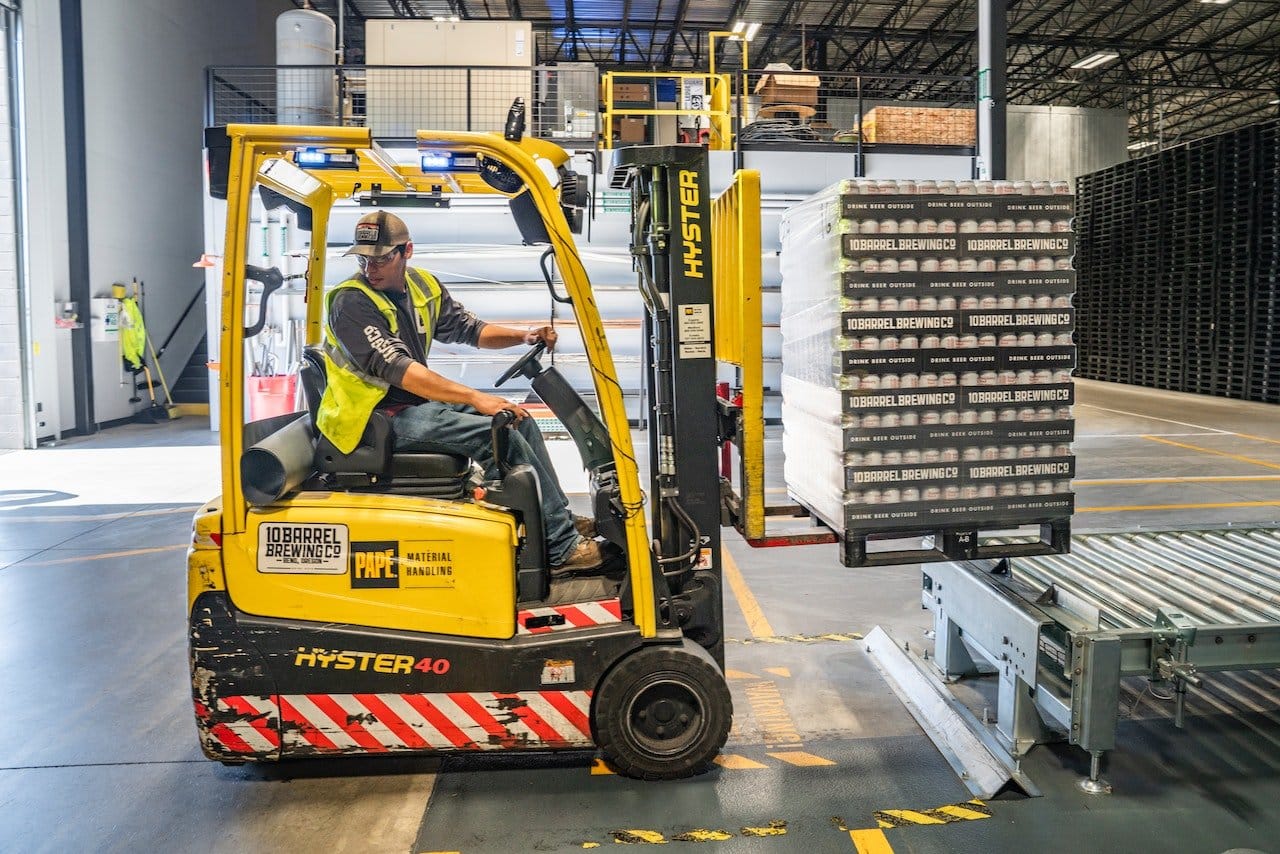
A connected order follows a short data path from the sales channel to the warehouse and back again. The path changes when an OMS, ERP, marketplace connector, or another system sits between the sales channel and the warehouse.
1. Order Received
An order enters through a connected store, marketplace, retailer, or order system.
2. Order Details Transferred
Order details move into the fulfillment operation.
3. Inventory Assigned
Inventory is assigned and the order enters warehouse processing.
4. Warehouse Processing
Picking, packing, and shipping activity is recorded.
5. Shipment and Inventory Updates
Shipment confirmation and tracking move back to the connected system. Inventory quantities update across the systems tied to that stock.
Connecting More Than One Sales Channel
A business can sell through its own website and take orders from marketplaces, retailers, wholesale customers, and other channels at the same time. Each channel can feed orders into the same fulfillment operation and still keep its own shipping and data rules.
Inventory needs extra attention in a setup similar to this. Stock sold through one channel should show up in every system that relies on the same inventory, so another channel doesn’t keep selling units that are no longer available.
When an Integration Needs Attention
Connections don’t run on their own, apart from the systems around them. SKU changes, expired credentials, field changes, missing data, platform updates, or incorrect settings can all interrupt the order flow.
Warning signs include orders that don’t reach the warehouse, inventory counts that stop updating, duplicate records, missing tracking numbers, and SKUs that fail to match. Teams should know which system owns each record, and where to look when information stops moving the way it should.
What to Review Before Setting Up an Integration
A little planning before setup helps avoid mismatched records and unclear ownership once orders start moving.
- Which systems need to connect to fulfillment?
- Which system owns product and inventory records?
- Which order fields need to move between systems?
- How will SKUs match across each connection?
- How frequently should inventory quantities update?
- Where should shipment confirmation and tracking return?
- Are retailer EDI documents or routing rules involved?
- Will the connection use an existing integration, API, or EDI setup?
- How should failed orders or data errors be handled?
The answers to these questions give the warehouse and technical teams a clearer picture of how the order flow should work before testing begins.
eCommerce and Retail Integrations With Speed Commerce
Speed Commerce works with businesses that sell through eCommerce stores, marketplaces, retailers, wholesale channels, and other commerce systems. Integrations tie those order sources to warehouse fulfillment, so product, order, inventory, shipment, and tracking records can move between the systems involved.
Setup begins with the systems a business already uses and the records that need to move. From there, the business can map out order flows, SKU records, inventory updates, shipping information, retailer requirements, and other details tied to fulfillment.
What Happens When an Integration Stops Working?
The first step is identifying where the data stopped moving. Teams can check connection status, credentials, SKU matching, order records, field changes, and error messages before resending or correcting affected orders.
Q: What Systems Can Connect to a 3PL?
A: Typical connections include eCommerce platforms, shopping carts, marketplaces, retailers, ERP systems, WMS platforms, inventory tools, order management systems, shipping software, and other commerce systems. Compatibility depends on both the 3PL and the system involved.
Q: What Is the Difference Between API and EDI Integration?
A: APIs pass data directly between software systems using defined requests and rules. EDI swaps standardized business documents, and it’s common in retailer, wholesale, and enterprise transactions.
Q: Can One 3PL Connect to Several Sales Channels?
A: Yes. Orders from a webstore, marketplace, retailer, or wholesale channel can feed into the same fulfillment operation once the connections and channel rules are set up correctly.
Q: How Does Inventory Stay Updated Across Connected Platforms?
A: Warehouse inventory changes travel back through the connected systems the way the integration is set up. Each system needs matching product records and a clear rule for which inventory number to use.
Q: How Does Tracking Get Back to the Store or Marketplace?
A: After a shipment is processed, the tracking number and shipment status travel from the warehouse or shipping system, back through the integration, to the sales channel or order system.
Insights

What’s Going on With Section 321 in 2025? Changes w/Mexico, Canada & Predictions (Updated Monthly)
Updated – August 25, 2025 The trade scene has become a fast moving target in 2025 as big changes impact Section 321, a long-standing U.S. Customs provision that allows duty-free imports on shipments valued under $800. Driven by new tariffs, policy shifts, and geopolitical tensions, businesses that relied heavily on Section 321 for cost efficiency…
Read More

3PL & The Logistics Industry in 2025: A Year of Extreme Uncertainty – Top Trends & Predictions
Entering 2025, the logistics and third-party logistics (3PL) industry sits at an intersection of geopolitical shifts, economic uncertainties, and technological advancements. While forecasts indicate solid economic growth, the incoming Trump administration’s trade and immigration policies add layers of unpredictability. Who are we? Speed Commerce is an end-to-end provider of outsourced customer experience solutions (on Shopify and Bigcommerce & more) as…
Read More

How to Ship Skincare Products: Tips for Quality and Speed
Shipping beauty and skincare products is more than just getting them from point A to point B. It’s about ensuring every serum, cream, or makeup item arrives looking as flawless as when it left your warehouse. As an eCommerce skincare brand or makeup retailer, you’re not just delivering products but providing an experience. From protecting…
Read More
Looking for a better fulfillment solution?
A fulfillment expert will get back to you within 1-2 business days.